Clean your home with AI
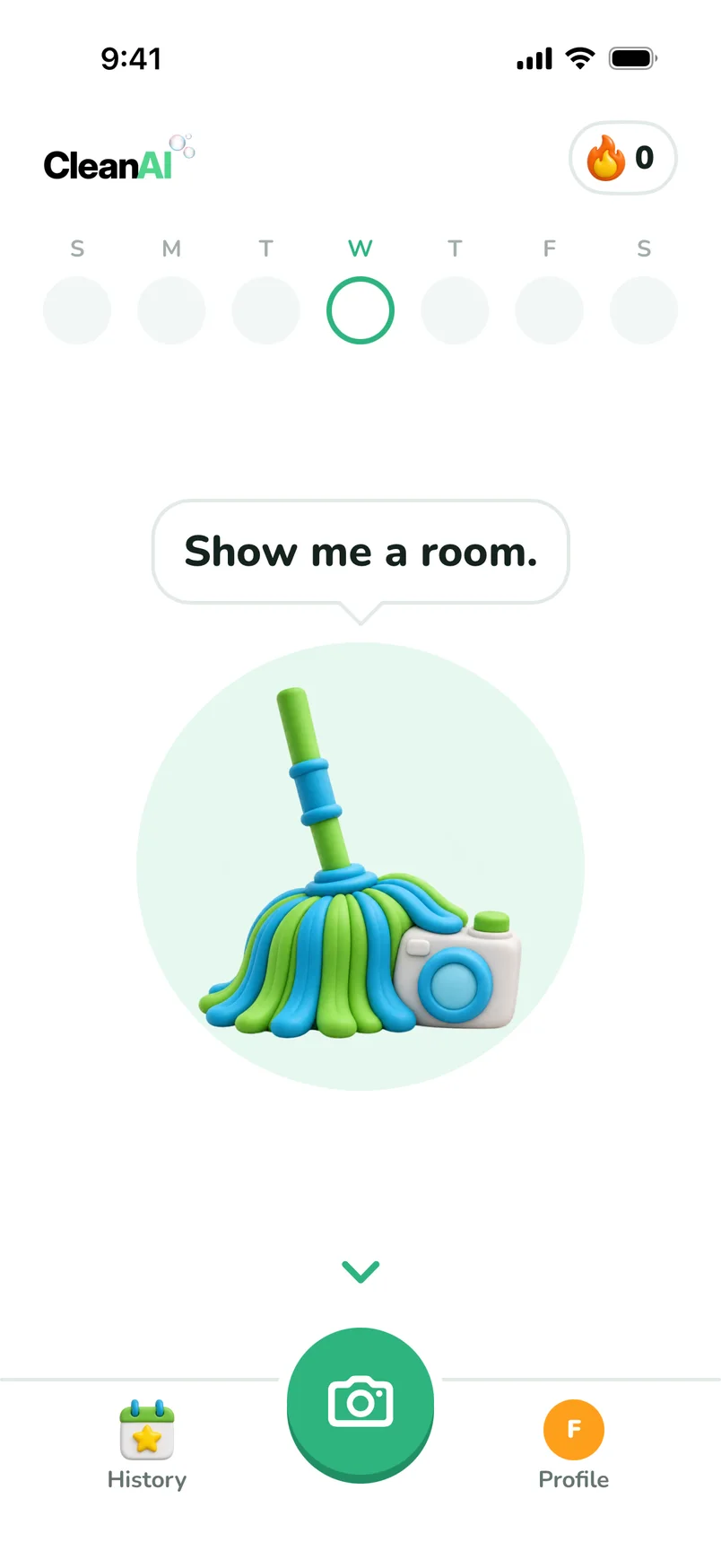
Take a photo of the mess. Moppy turns it into small tasks and cheers you on.
 Free on iPhone
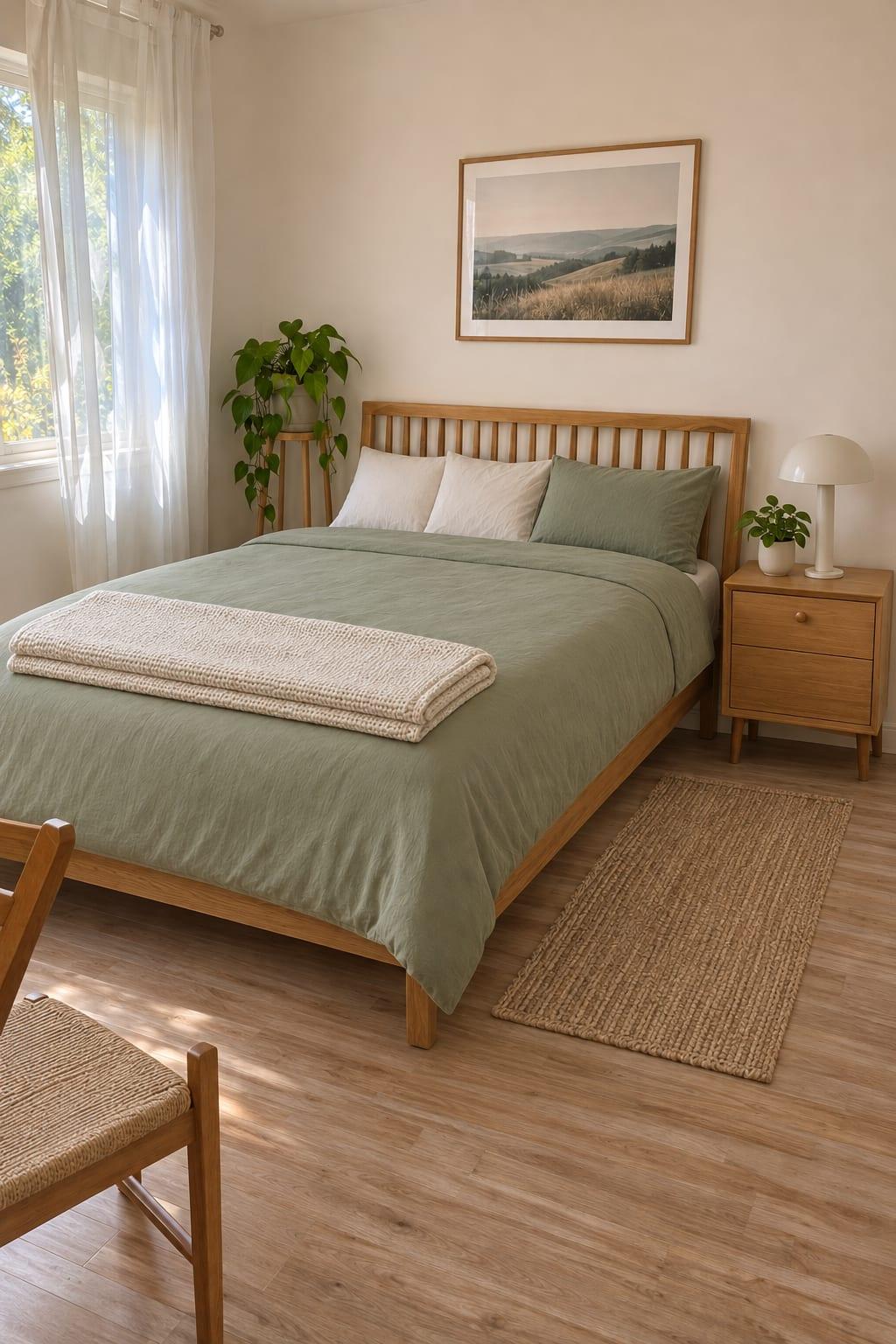
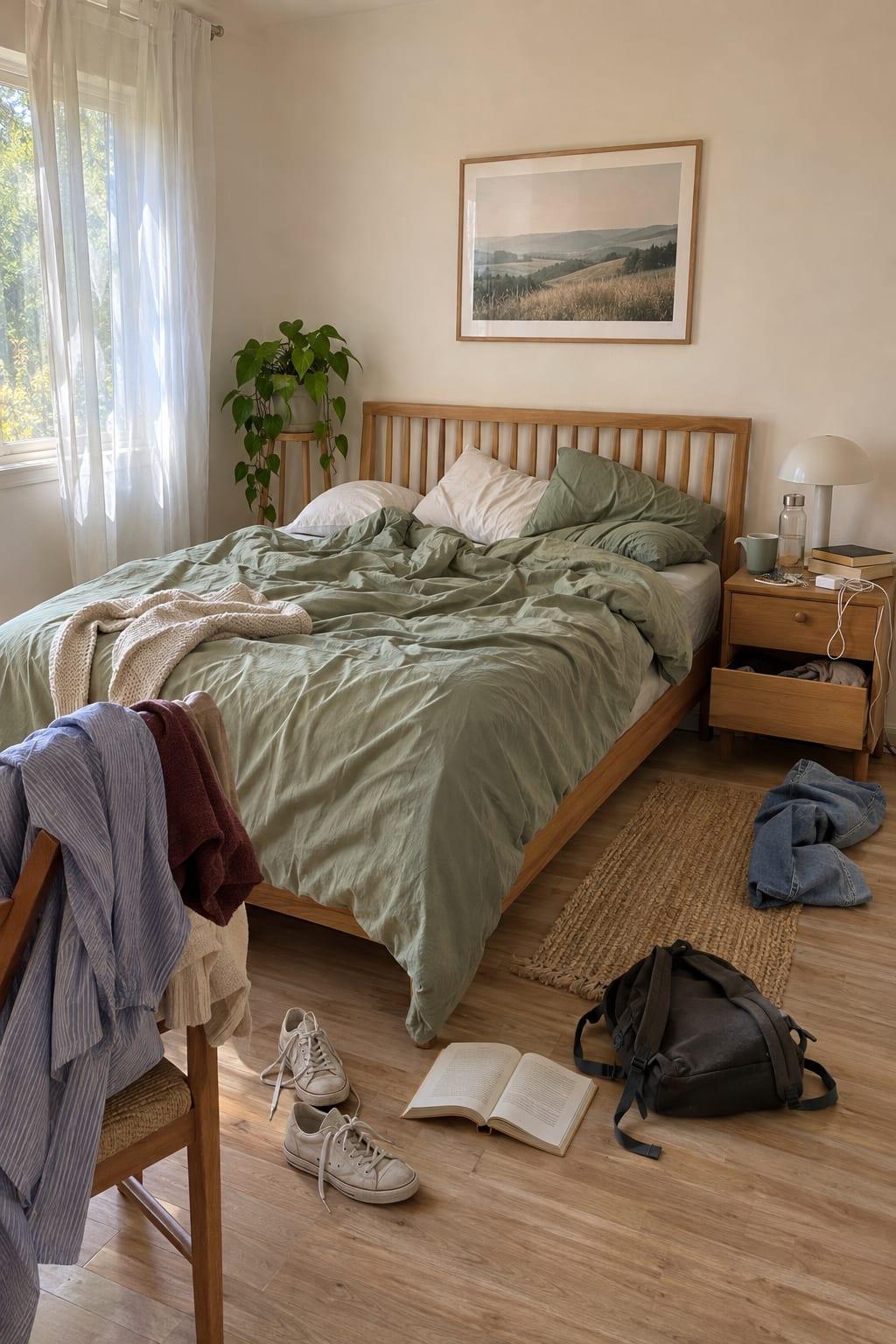
Drag the line to see the glow up
A new Clean AI is on its way. Some of what you see here arrives with the next update.
One photo. Four small steps.
No plans to make. No lists to write.
- 1
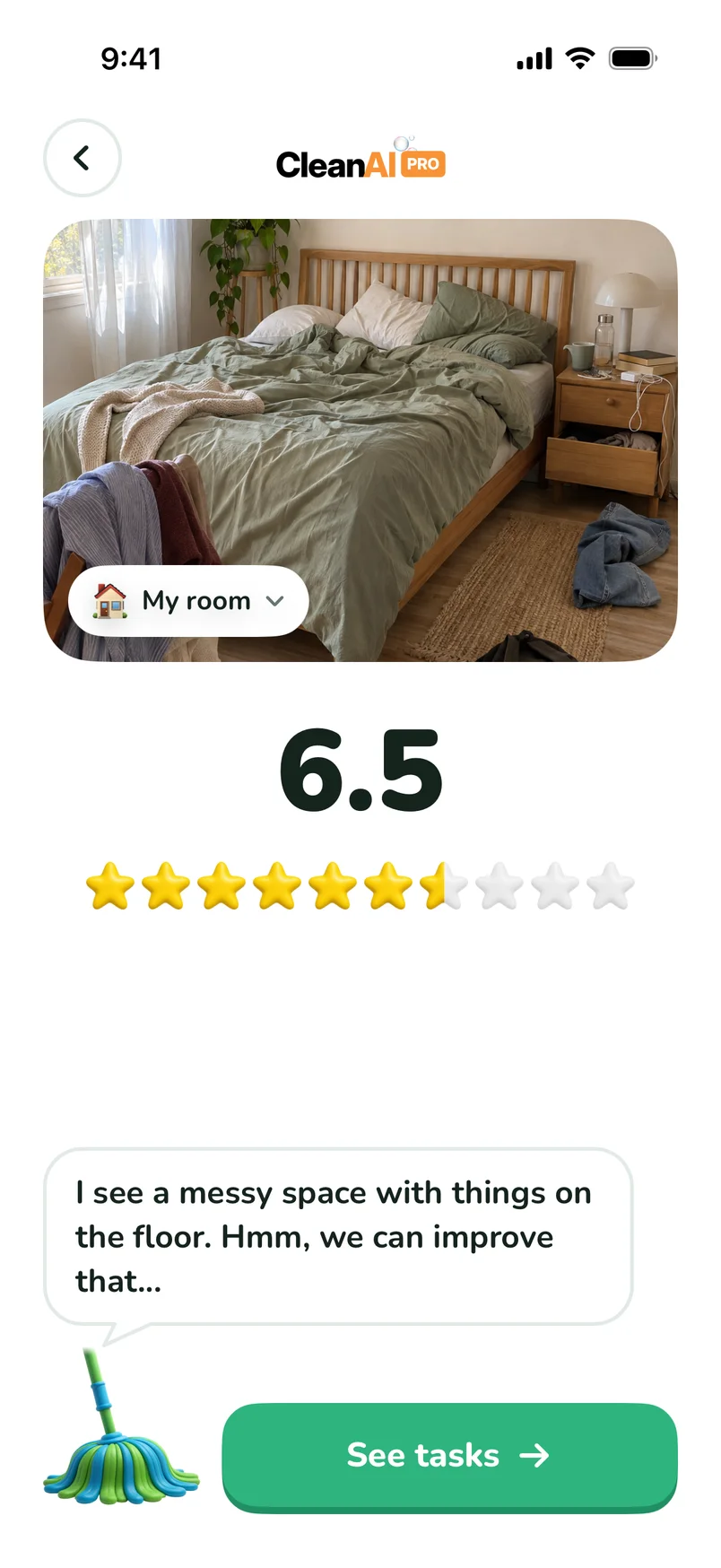
Take a photo
Moppy looks at your room and gives it a score.
- 2
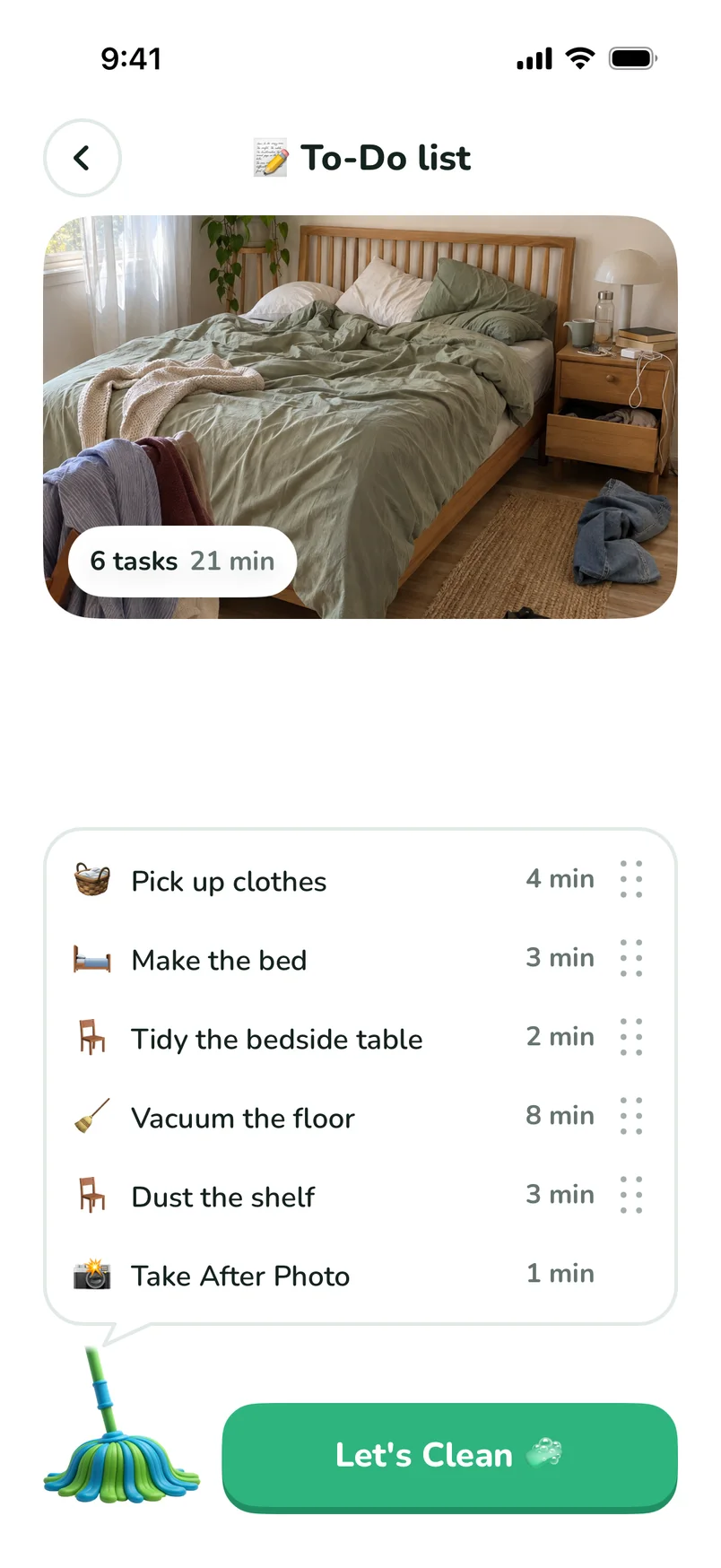
Get your list
Small tasks, each with its minutes.
- 3
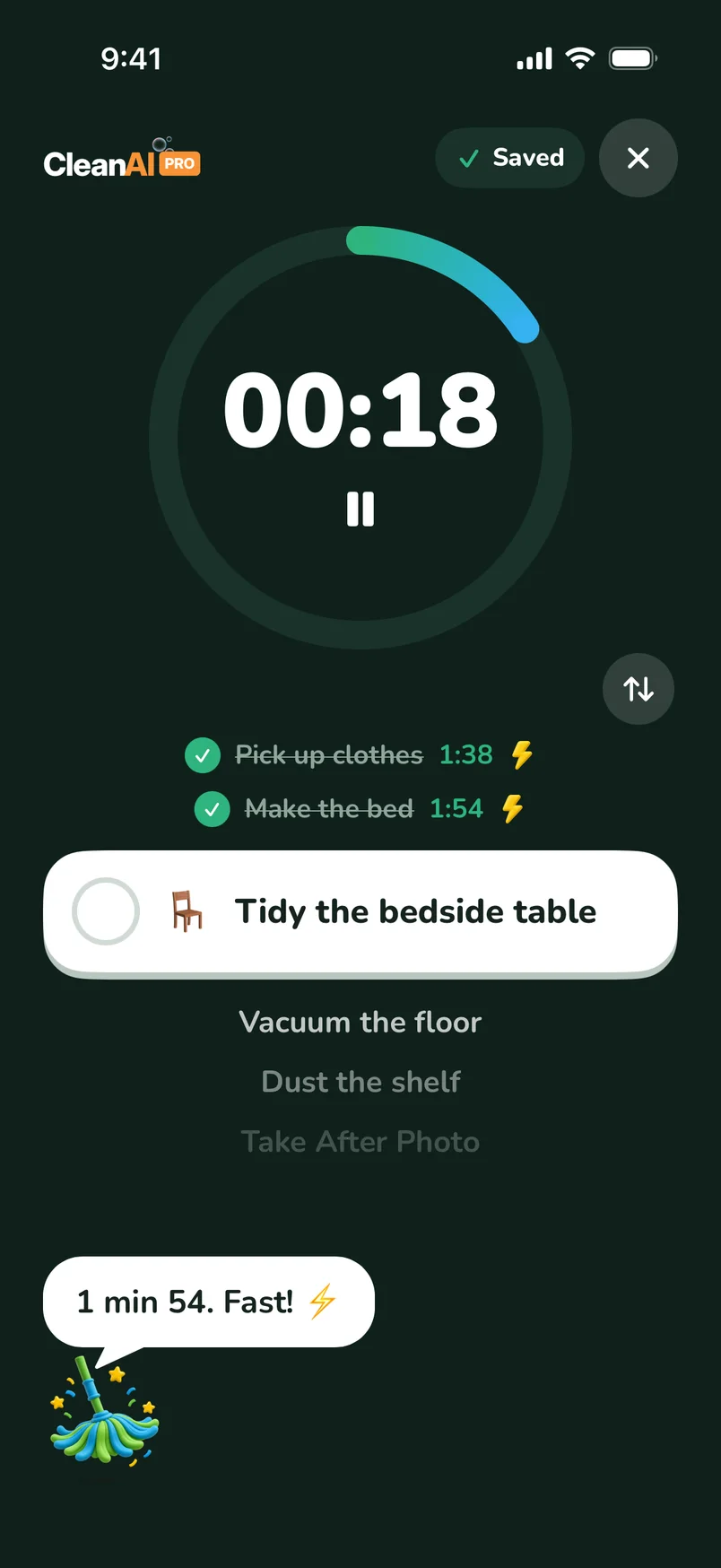
One task at a time
A timer for each task. Stuck? Moppy tells you how.
- 4
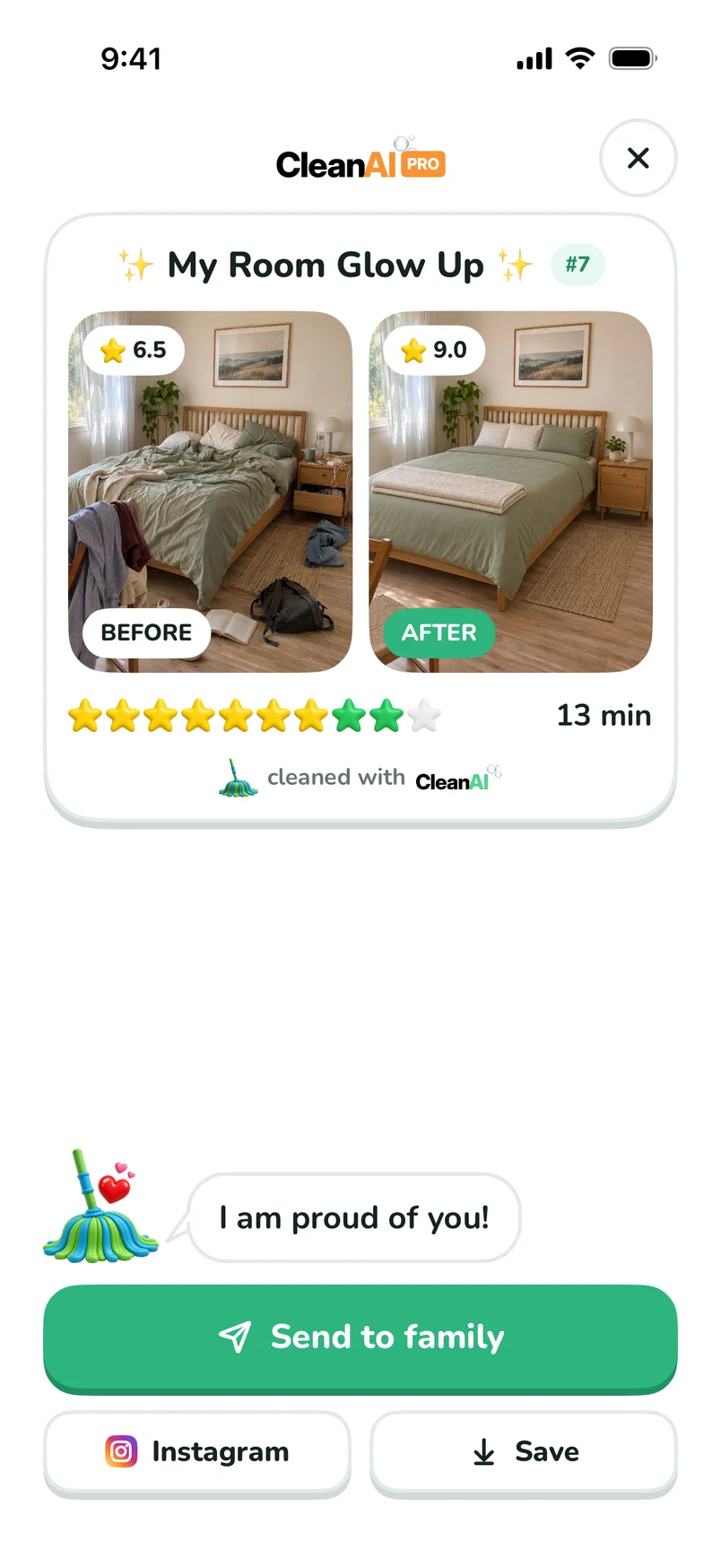
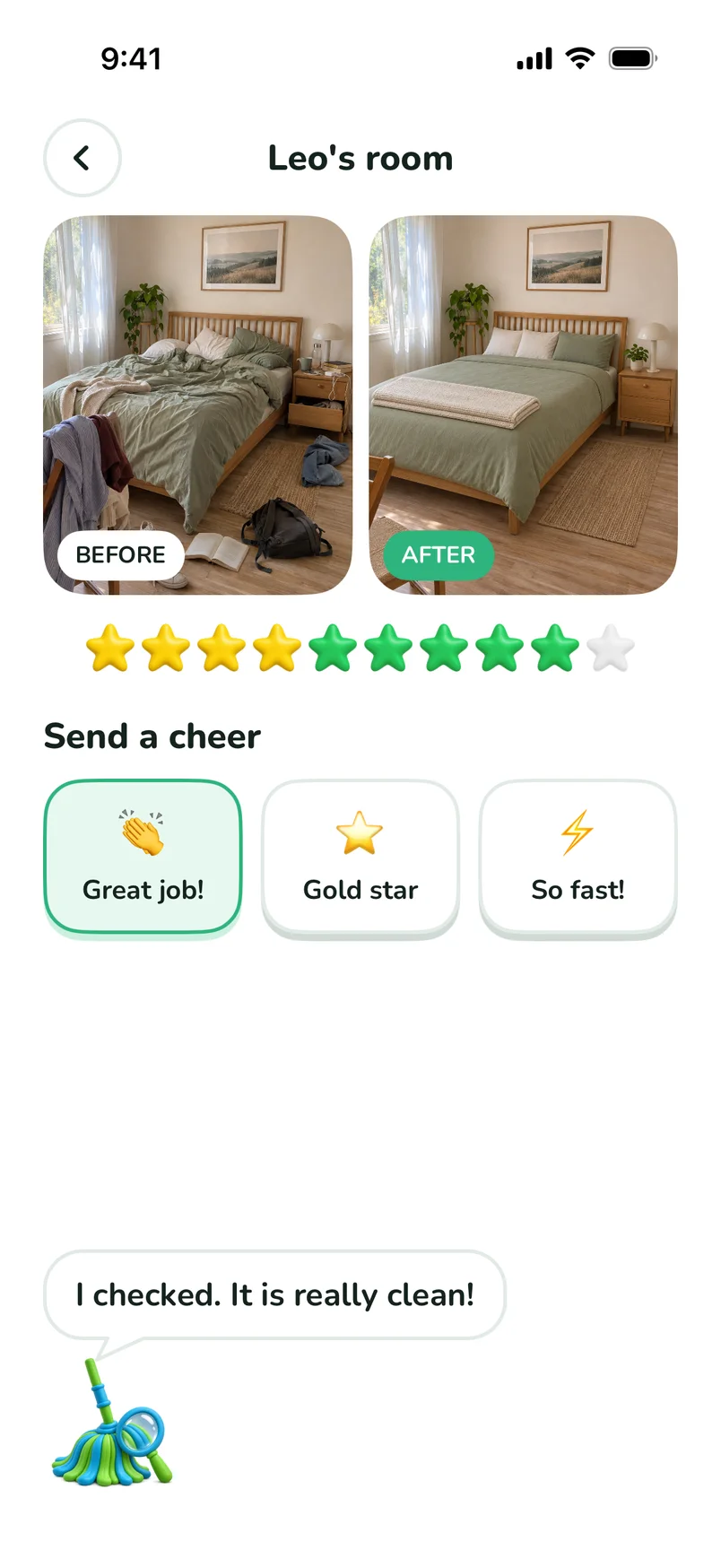
See your glow up
Before and after, with stars to share.
For when you do not know where to start
Made with ADHD, busy families and kids in mind.
“I never know where to start when I have to clean. This app breaks it down for me and helps me to not get discouraged or distracted.”
A review on the App Store “This app really put things in perspective and motivated me to keep cleaning consistently.”
A review on the App Store “kept me on track with my cleaning chores and makes the process fun”
A review on the App Store
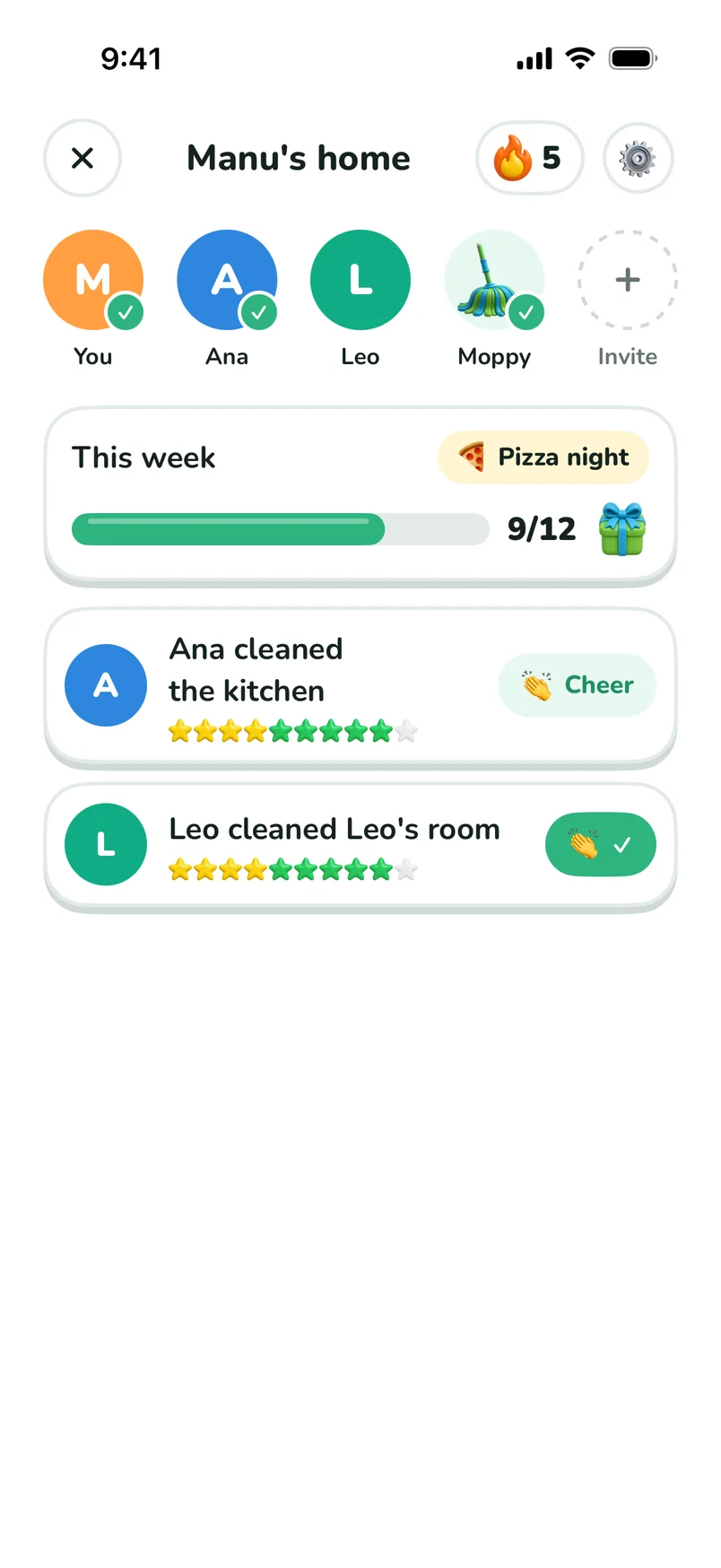
Clean together
Send one link and your family is in.
Send a task
Ask someone to clean a room. It lands on their phone.
Cheer
Great job! Gold star! So fast!
Win the week
Pick a goal and a prize. Pizza night?
Safe at home
No chat. Only stars and cheers.
Small habits that stick
Coming with the next update. A little every day beats a big clean once a month.
A routine made for you
3 small tasks a day, ready to tick.
A score for every room
See which room needs you today.

12 badges to earn
First clean, 7-day streak, Speedy and more.
Keep your flame alive
It grows with every day you clean.

Your real times
The minutes on your list come from your own pace.
Free to start
PRO adds reminders today. More comes with the next update.
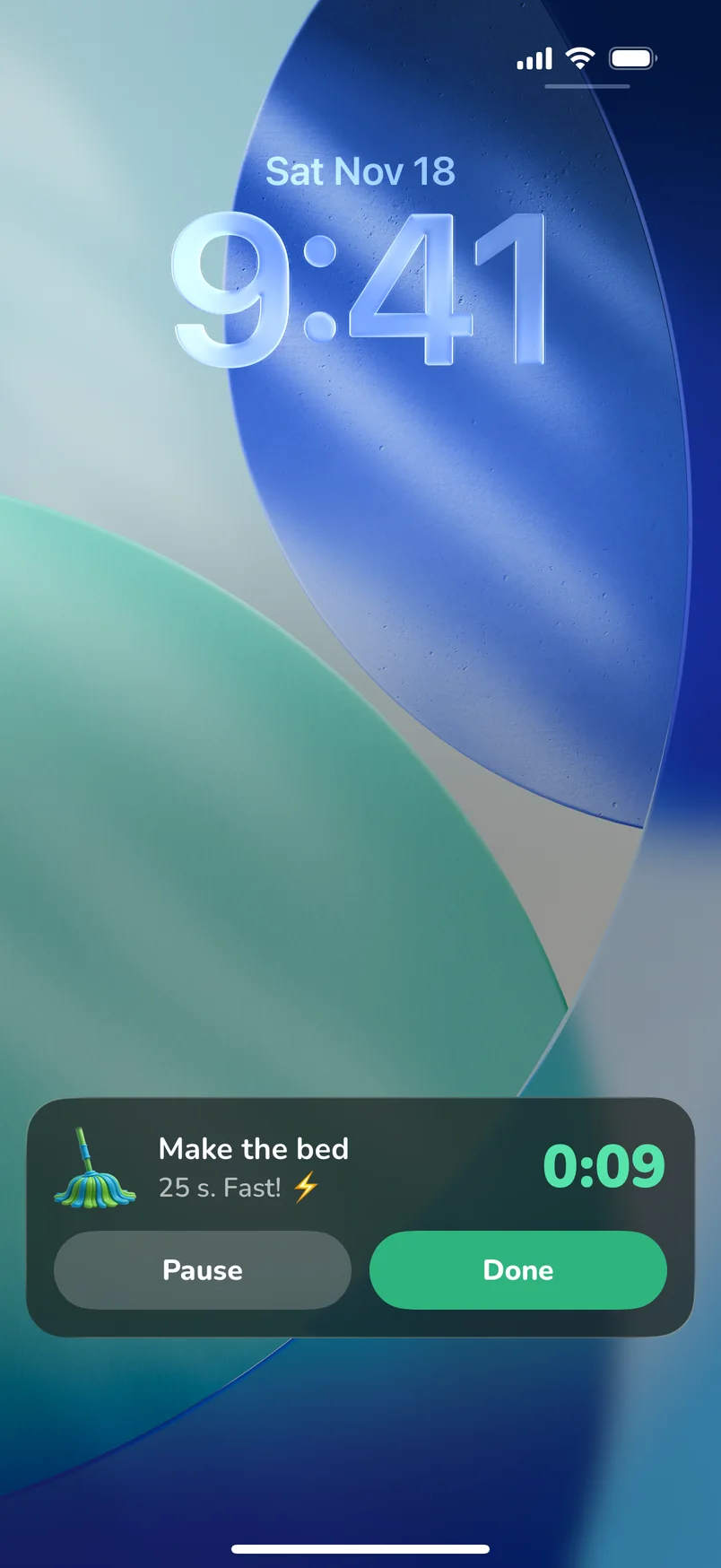
Your timer on the Lock Screen
Pause or finish a task without opening the app.
And a widget that shows what comes next.
Safe for kids
Soon, children will use Clean AI without an account.
No account
Under 13, no email and no sign-in.
Faces are blurred
Before a photo goes to the AI.
No tracking
No analytics and no ads for children.
A grown-up decides
Paying asks for an adult first.
Good questions
Is Clean AI free?
Yes, you can start for free. PRO adds reminders today. More rooms and saving a clean for later come with the next update.
Which iPhones does it work on?
Any iPhone with iOS 16.2 or later.
What happens to my photos?
Your photo goes to our AI so it can make your list. With the next update you can keep photos only on your iPhone, and delete the ones we store.
Can my kids use it?
With the next update, yes. Under 13 there will be no account, photos will stay on the phone, and faces will be blurred before the AI sees one.
How do I invite my family?
Family comes with the next update. Open Family in the app and tap Invite. Send the link. When they tap it, they join your home.
Is there an Android app?
Not yet. We are building it.

Show Moppy a room
Your first list takes one photo.